How to Choose the Best Dashboard Instrument in 2026?
Choosing the best Dashboard Instrument in 2026 is not just about finding a bright screen or a low price. The right unit should fit your vehicle, display essential information clearly, and work reliably with its existing systems. A display that looks impressive in a product photo may be difficult to read in direct sunlight. Small details matter.
Start by checking compatibility, including the vehicle’s model year, connector type, and supported data signals. Then compare what the instrument actually shows: speed, engine temperature, fuel level, warning lights, or trip information. Check screen visibility from your normal driving position, especially at night and in strong daylight. Crisp graphics are useful, but clear alerts matter more. They matter most.
Installation deserves equal attention. Review the manufacturer’s instructions, required adapters, warranty terms, and support options before buying. If specifications are unclear, ask the seller or a qualified technician rather than assuming two units will work together. A feature list can sound convincing and still leave out a crucial limitation. That is easy to miss.
This guide explains the main types of dashboard instruments, the features worth comparing, and the questions to ask before purchase. It also considers budget, installation, and long-term reliability. No single model suits every driver; the best choice depends on the vehicle and the information you need at a glance. Take a moment to check the details. One honest caveat: product specifications and availability can change, so verify current information with the manufacturer before deciding.
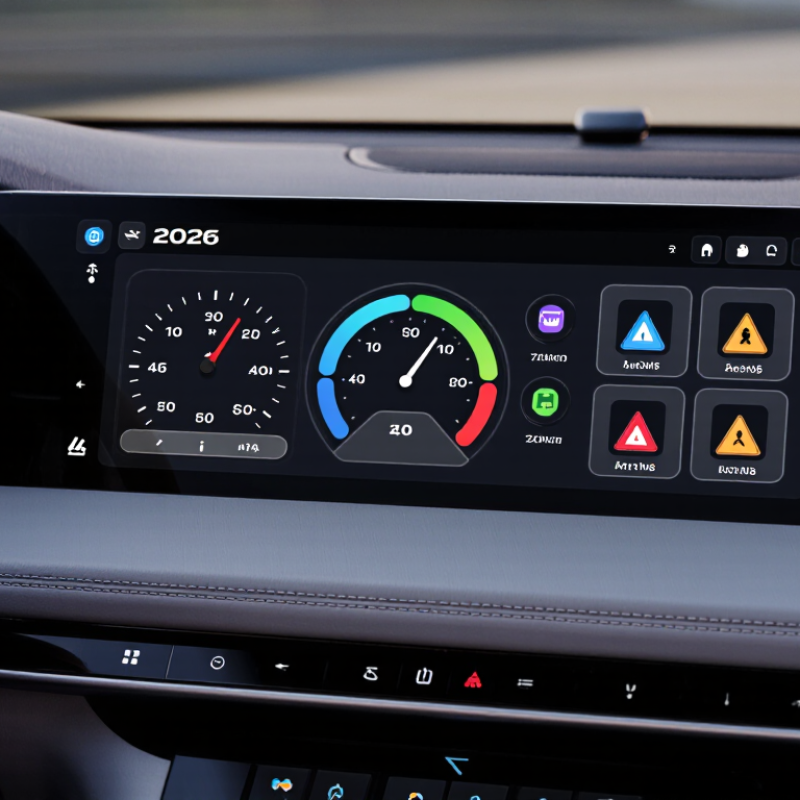
Understanding Dashboard Instruments and Their Role in 2026
A dashboard instrument is the driver’s quick-read interface for speed, engine or battery status, warning lights, and essential trip information. Good design makes urgent signals distinct without turning every alert into noise. A small but important difference. NHTSA’s Visual-Manual Driver Distraction Guidelines recommend keeping individual glances away from the road to two seconds or less, and total glances for a task to 12 seconds or less. When choosing an instrument, check whether its numerals stay readable in bright sunlight, at night, and through polarized sunglasses. Also test its alerts from the normal driving position.
Euro NCAP’s 2026 assessment changes reinforce the value of direct controls. Its updated protocol requires physical controls for indicators, hazard lights, the horn, windscreen wipers, and eCall to qualify for the top rating. That is a useful signal, not a universal shopping rule. Compare a clear, configurable cluster with a screen that hides routine readings behind menus. Check whether you can dim it, change units, and recognize warnings without digging through settings. Test it yourself. A polished showroom display can be flattering; spend time with the interface during a safe test drive, and question your first impression.
How to Choose the Best Dashboard Instrument in 2026?
Understanding Dashboard Instruments and Their Role in 2026
This illustrative trip profile shows speed in kilometres per hour over one hour. A speedometer helps drivers monitor changing speed and adjust to road conditions; the values shown are sample readings, not a measured vehicle test.
Identifying Your Vehicle, Driving, and Display Requirements
How to Choose the Best Dashboard Instrument in 2026?
Identifying Your Vehicle, Driving, and Display Requirements
Start with your vehicle, not the screen. Check its model year, engine type, available data connection, and the readings you actually need. Some instruments show speed and fuel use; others display engine temperature or fault codes. Confirm that your vehicle provides those signals before buying. A compact car used for short commutes may need only clear speed and warning information. A towing vehicle may benefit from temperature readings that are easy to see at a glance. Measure the mounting space, too. A display that blocks a vent or sits behind the steering wheel is a poor fit.
Think about your driving conditions and eyesight. Bright sunlight, night driving, gloves, and bumpy roads all affect readability. The AAA Foundation for Traffic Safety reported in its 2017 infotainment study that programming navigation could take drivers about 40 seconds. That is a long time to look away. NHTSA’s visual-manual distraction guidance recommends limiting individual off-road glances to two seconds and total task glances to 12 seconds. Choose large, legible numbers, restrained alerts, and controls you can operate without searching. Test the viewing angle from your normal seat. Honestly, a brighter screen is not always a better one. Some displays still wash out in direct sun.
Comparing Analog, Digital, and Hybrid Instrument Clusters
How to Choose the Best Dashboard Instrument in 2026?
Comparing Analog, Digital, and Hybrid Instrument Clusters
Analog gauges show speed and engine temperature with familiar needles and clear physical markings. They can be easy to read at a glance, especially in bright sunlight. But fixed layouts offer little flexibility, and small markings can blur on a bumpy road. Digital clusters can display maps, warnings, and vehicle data in one configurable screen. Their weakness is complexity: too many menus may make a simple check feel like a task. Hybrid clusters keep key readings in dedicated gauges while placing secondary information on a screen. For many drivers, that balance feels reassuring, though it can still create visual clutter.
A useful benchmark comes from the U.S. National Highway Traffic Safety Administration’s 2013 visual-manual distraction guidance: individual glances should last no more than two seconds, and total eyes-off-road time for a task should not exceed 12 seconds. This is guidance, not a guarantee of safety. In a test drive, check whether speed and warning lights are readable from your normal seating position. Try the display in sunlight, at night, and while wearing your usual driving glasses. A crisp screen in a showroom may look different on a real road.
Tips: Prioritize speed, fuel, and warning visibility over animations. Adjust brightness and layout before driving. If a setting takes several taps, reconsider it. Hybrid may be the practical choice—but personal preference deserves a road test.
Evaluating Compatibility, Readability, Features, and Cost
Choosing the best dashboard instrument in 2026 starts with compatibility, not a long feature list. Check its dimensions, mounting depth, power requirements, and signal inputs against your vehicle or equipment manual. A unit that looks suitable online may block a vent or need an adapter. Measure twice. Then check readability in real conditions. Can you read the display in bright sunlight, at night, and with a quick glance? Clear contrast, legible digits, and adjustable brightness matter more than decorative graphics.
Choose features that solve a specific problem. For example, a temperature warning may be more useful than several screens of secondary data. Check whether readings update clearly and whether the controls are easy to use without distraction. Cost includes more than the purchase price: account for installation, adapters, and any required sensors. A cheaper instrument can become expensive if it needs extra parts. I’d be wary of paying for features I may never use; still, it’s easy to overlook one useful function while comparing prices.
Tips: Write down your must-have readings before shopping. Compare total installed cost, not just the listed price. If possible, view the display in person. A small detail, like glare at midday, can change your decision.
Checking Installation, Safety, and Long-Term Support
Choosing a dashboard instrument starts with checking whether it fits the vehicle’s mounting space, wiring, and sensor setup. Measure the opening before ordering, then compare the connector type and operating-voltage requirements with the vehicle’s documentation. A display that looks clear on a desk may be hard to read in direct sun or at night. Check brightness adjustment, viewing angle, and whether essential warnings remain visible without distracting the driver. Small details matter.
Installation quality affects both reliability and safety. Follow the instrument and vehicle instructions, and have a qualified technician handle unfamiliar wiring. Keep cables clear of moving parts, hot surfaces, and airbag components. After installation, confirm that readings respond normally and warning indicators work as intended. I would still recheck the connections after the first few drives; vibration can expose a loose fit that seemed fine at first.
Long-term support deserves equal attention. Ask how replacement parts, repair guidance, software updates, and warranty service are handled, and keep the documentation somewhere accessible. Support can fade. A low purchase price may not help if a failed sensor is difficult to replace. The answer is not always obvious, so compare the expected service life with the cost and availability of maintenance.